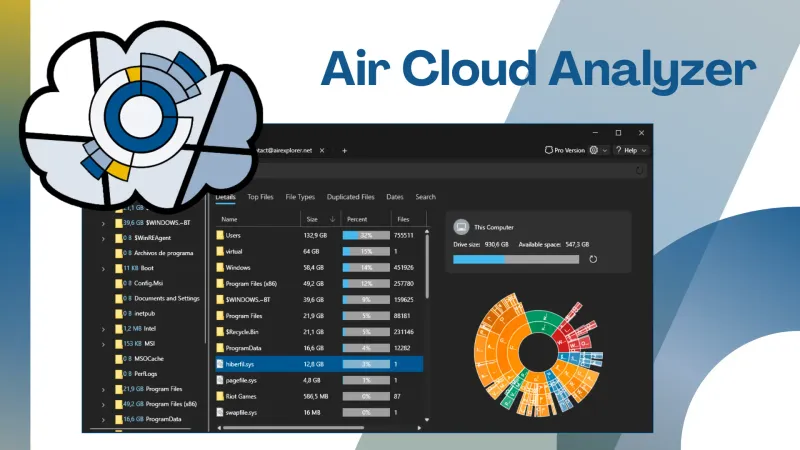
Air Cloud Analyzer is a desktop application for Windows and Mac that helps you understand how your cloud accounts and local drives are using their available space. Instead of browsing folder by folder, you can analyze all your storage from one place and quickly identify the files that are taking up the most room.
The application connects directly to your cloud services and reads file metadata such as names, sizes, types, and dates. It does not need to download the files themselves, which saves bandwidth and local disk space while giving you a clear overview of your storage.
See where your storage space is going
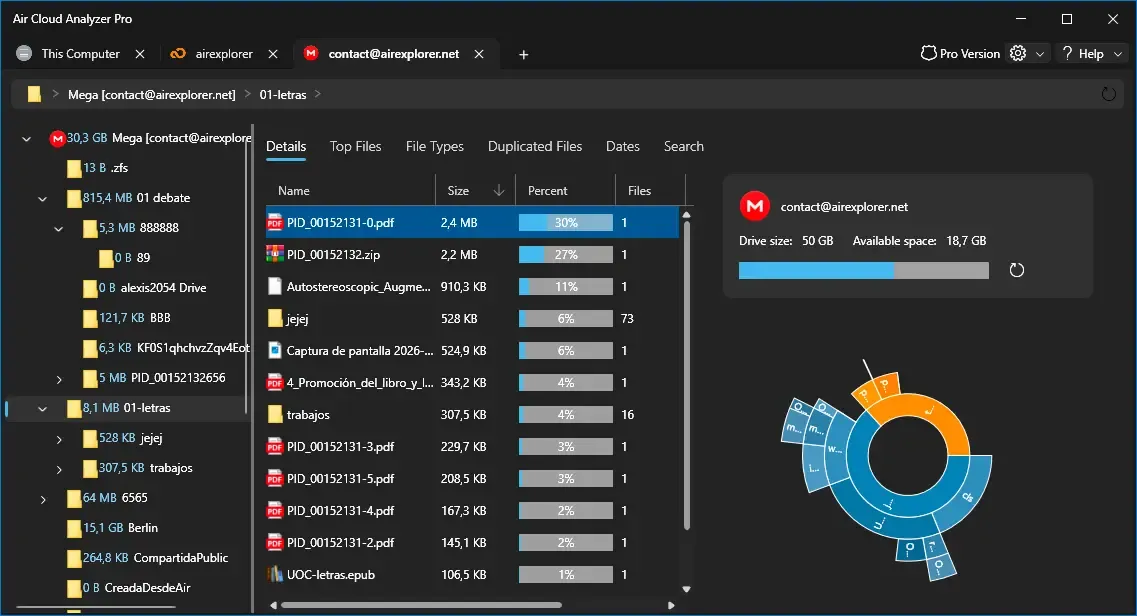
Air Cloud Analyzer turns storage information into visual, interactive charts. These charts make it easier to explore folders and understand which areas of a cloud account or hard drive contain the most data. You can move through the folder structure and spot unusually large collections without checking every directory manually.
The same analysis works with cloud accounts and local drives, so you can review your online and offline storage with a consistent set of tools.
Find large, old, and duplicate files
When storage is almost full, knowing what to review first can save a great deal of time. Air Cloud Analyzer includes dedicated views that help you:
- Rank files by size and locate the largest items across your storage.
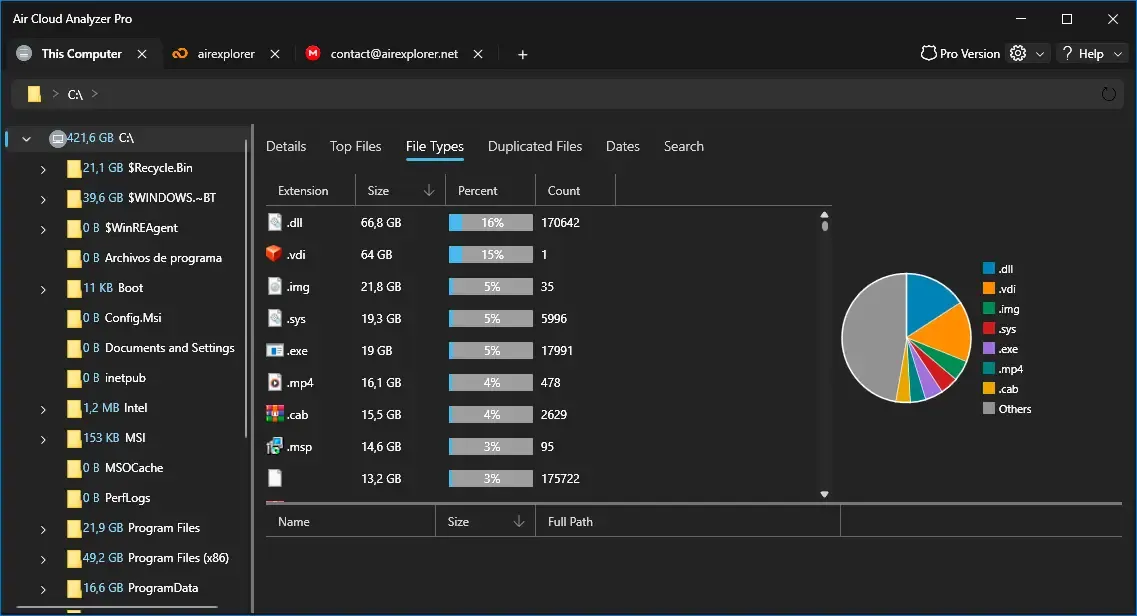
- Group files by type to see how much space is used by videos, images, documents, and other formats.
- Filter files by date to find old content that may no longer be needed.
- Search across connected storage from a single place.
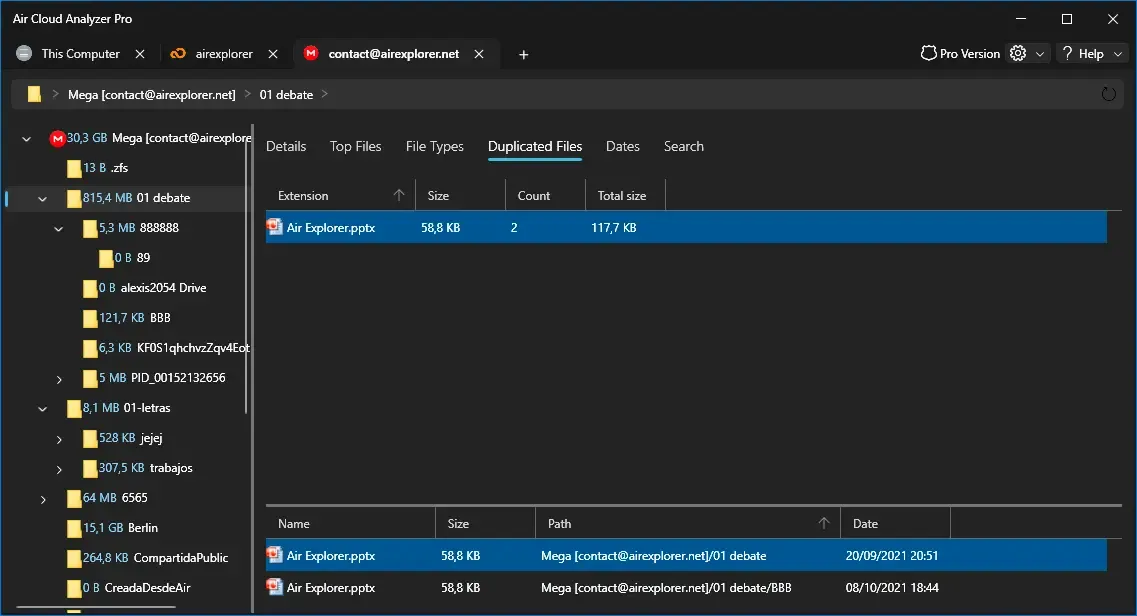
- Detect duplicate files that are using unnecessary space.
A practical way to keep your clouds organized
Air Cloud Analyzer is useful when you need to free space in a cloud account, audit old project files, clean up a local hard drive, or simply understand how your data has grown over time. It complements file-management tools such as Air Explorer by focusing specifically on storage analysis and cleanup decisions.
With a visual overview and focused tools for large files, dates, file types, global search, and duplicates, you can decide what to keep, archive, or remove with more confidence.
Discover Air Cloud Analyzer and download it for Windows or Mac.