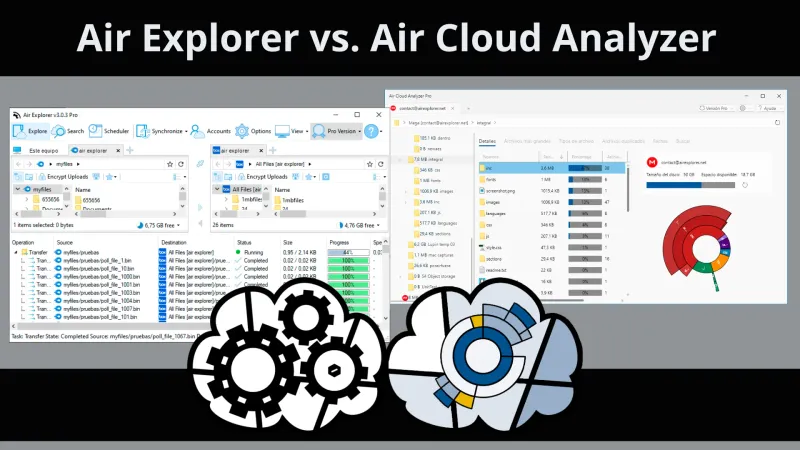
Air Explorer and Air Cloud Analyzer are desktop applications that help you work with multiple cloud storage accounts from one place. However, they solve different problems. Air Explorer is designed to manage and move files, while Air Cloud Analyzer is designed to explain how your storage space is being used.
Air Explorer manages, transfers, and synchronizes cloud files
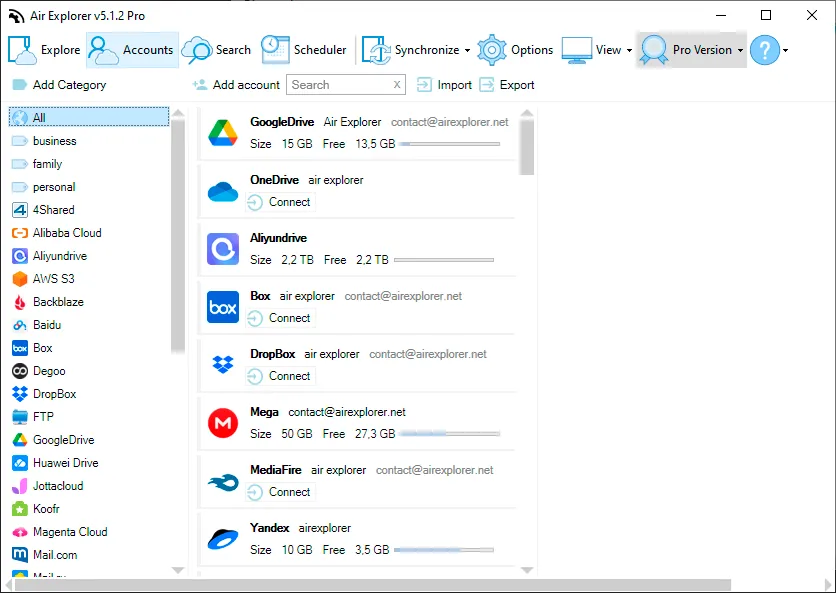
Air Explorer provides a dedicated file-management interface for your cloud accounts. Its dual-pane view makes it easy to browse different locations and upload, download, copy, or transfer files between clouds and your computer.
Air Explorer also includes advanced tools for synchronization, scheduled tasks, backups, encryption, and command-line automation. It is the best choice when you need to act on your files and maintain workflows between multiple storage services.
Air Cloud Analyzer shows what is taking up your storage space
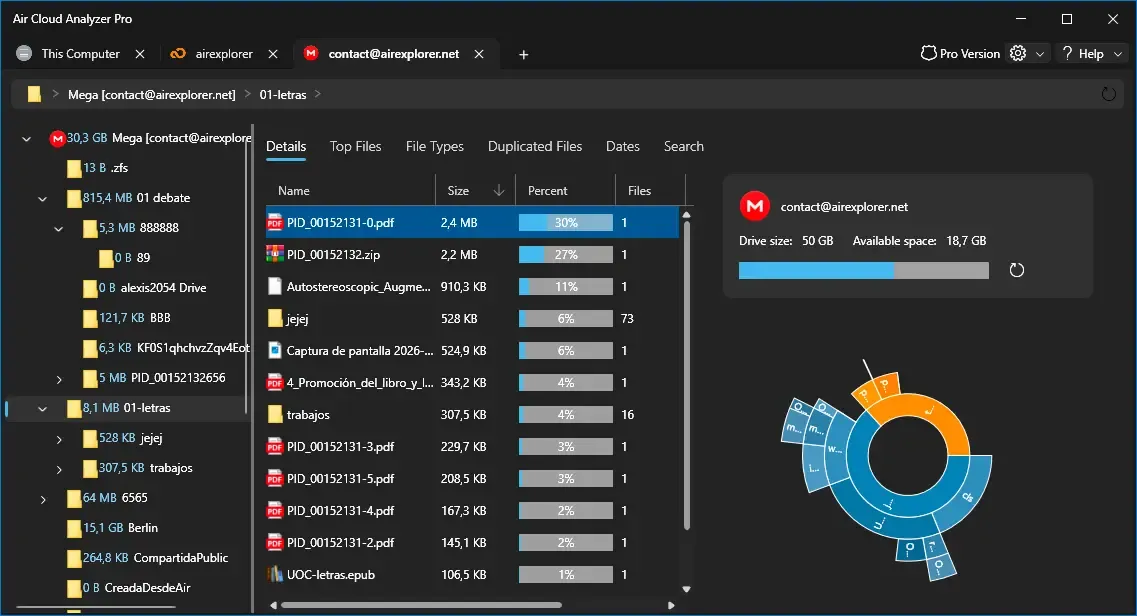
Air Cloud Analyzer focuses on storage analysis. It scans the metadata of files in your cloud accounts and local drives to create a visual overview of how space is distributed. Because it does not need to download the files themselves, it can analyze your storage without consuming equivalent local disk space.
Interactive charts and specialized views help you locate the largest files, review storage by file type or date, search across connected locations, and detect duplicate files. This makes Air Cloud Analyzer especially useful when a cloud is full or you want to decide what to keep, archive, or remove.
Cloud file management or storage analysis?
The right application depends on what you want to accomplish. Choose Air Explorer when you need to transfer files, synchronize folders, schedule backups, encrypt uploads, or organize content across cloud accounts. Choose Air Cloud Analyzer when you first need to understand where your space has gone and identify large, old, or duplicate files.
| Feature | Air Explorer | Air Cloud Analyzer |
|---|---|---|
| Main purpose | Manage, transfer, and synchronize files | Analyze and visualize storage usage |
| Interface | Dual-pane cloud file manager | Visual analysis dashboard with interactive charts |
| Cloud-to-cloud transfers | Yes | No, analysis only |
| Synchronization and backups | Yes, including scheduling | No |
| Find large files | Browse and sort files | Dedicated largest-files analysis |
| Analyze by type or date | Standard file browsing and filters | Dedicated visual views and filters |
| Duplicate finder | No dedicated storage-wide analysis | Yes |
| Local storage analysis | Local file management | Visual analysis of local drives |
| Best for | Taking action on files and automating workflows | Understanding storage and planning cleanup |
Air Explorer and Air Cloud Analyzer work better together
The two applications complement each other. You can use Air Cloud Analyzer to discover which files are consuming space and then use Air Explorer to move important content to another cloud, create a backup, or reorganize your accounts. Together, they provide both the information needed to make storage decisions and the tools needed to carry them out.